
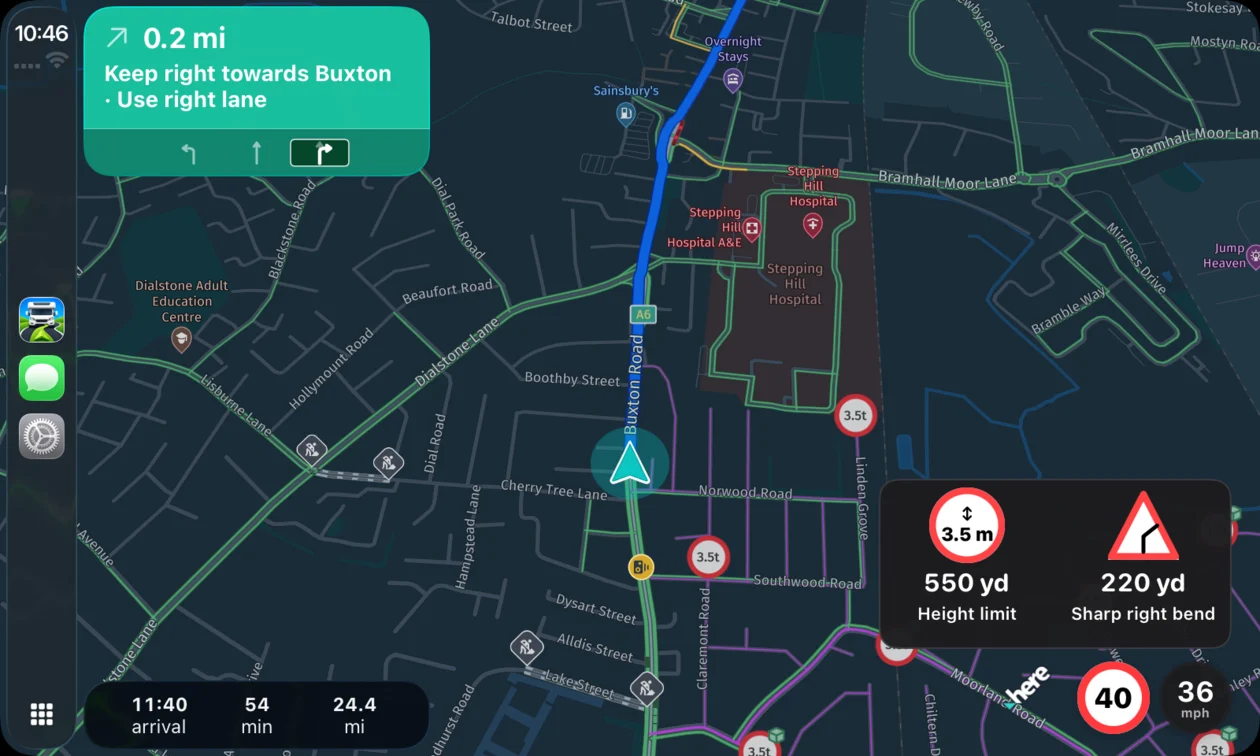
What you need
- For Apple CarPlay: an iPhone running iOS 16 or later with the app installed, plus a vehicle or aftermarket display that supports CarPlay.
- For Android Auto: a compatible Android phone with the app installed from Google Play, plus a vehicle or aftermarket display that supports Android Auto. Check Google Play and your vehicle handbook for compatibility.
- A supported wired or wireless connection for your phone and display.
- Location access and downloaded maps for offline coverage. Live traffic and online services need an internet connection.
The app also runs on iPad with iPadOS 16 or later. CarPlay uses an iPhone; Android Auto uses an Android phone.
Set up your dashboard before the journey
- Create or select the correct vehicle profile. Check the motorhome’s height, width, length and weight before planning.
- Find the destination on your phone. Search an address or choose a campsite. On iPhone and iPad version 1.9.0, the directory includes 54,000+ European campsite records; Android and older versions may differ.
- Review the whole route while parked. Check the destination, vehicle profile, distance, expected arrival and any traffic delay.
- Prepare your offline maps. Download the regions you need and check their coverage before leaving an internet connection.
- Connect your phone. Use Apple CarPlay on iPhone or Android Auto on Android, following the vehicle manufacturer’s USB or wireless connection instructions.
- Start guidance. Open the app on the dashboard display and confirm the route before moving off.
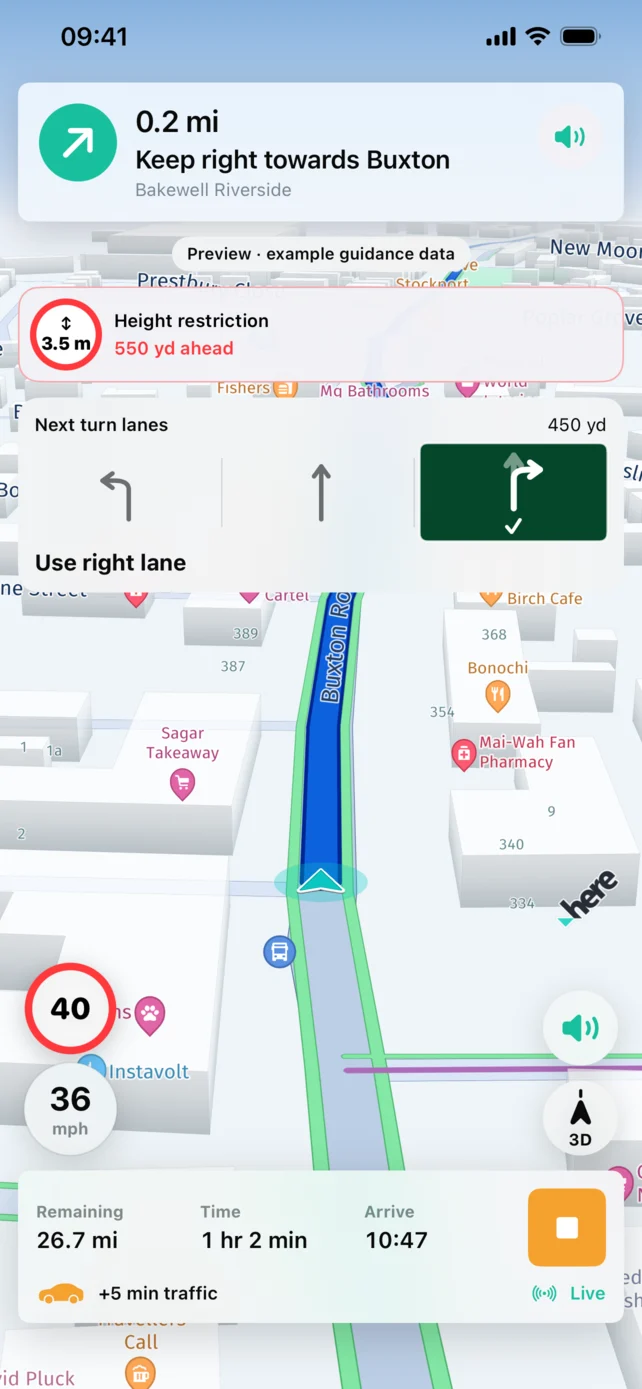
Compatibility and limitations
CarPlay and Android Auto availability and connection behaviour vary between vehicles and head units. Some require a USB cable; others support a wireless connection. Check the handbook for your vehicle or display, including which phones and connection methods it supports.
Use your phone to enter detailed vehicle information, explore campsites and review the route before departure. CarPlay and Android Auto present guidance on your dashboard; detailed setup is easier while parked on the phone. Available dashboard controls may differ between platforms and app versions.
If CarPlay or Android Auto does not connect
- Confirm the vehicle supports and enables the system for your phone: CarPlay for iPhone or Android Auto for Android.
- Unlock the phone and follow the first-time connection prompts.
- For a wired connection, try a suitable data cable and the vehicle’s designated USB port.
- For a wireless connection, follow the vehicle’s pairing instructions and check Bluetooth and Wi-Fi settings.
- Reconnect only while safely parked.
What can you do on the dashboard display?
CarPlay supports destination search, saved places, route previews and voice controls on a compatible iPhone. Android Auto functions depend on the current Google Play release and compatible display; check the store listing and platform guide before your journey. Do not assume Apple and Android feature parity. Set up your vehicle dimensions and weight before travelling.
Example: prepare a campsite journey
While parked, select your vehicle, find the campsite and compare the final approach with the site's arrival instructions. Preview the journey before starting guidance on the dashboard display. If you are towing for the first time, work through our first caravan journey checklist.
What happens when mobile signal is weak?
The app supports low-signal navigation and downloadable offline maps. Download the regions for your journey before departure; offline routing and search depend on downloaded coverage, your platform, app version and subscription. Live traffic and other online services still need internet access. On iPhone, offline access needs an active subscription verified online within the previous 24 hours. New cloud speech requires consent and internet access; valid cached prompts may play offline, otherwise visual guidance continues. A dashboard connection is separate from mobile data, so prepare the maps even when using a car display.
App features: official App Store listing and Google Play listing. Check your store for current compatibility and release details.
Explore the app for motorhome journeys or caravan towing, or read our sat nav buying checklist.